QUICK TUTORIAL
Save it once. Find it later.
Purchase Locker keeps proof of purchase and ownership details together, and follows you to your next phone through your own iCloud.
Scan the receipt
Tap the plus button, then Scan receipt. Hold the receipt in frame and your iPhone straightens and crops it, then reads the store, date, and total straight into the form. Prefer a photo you already took? Add photos works too.
Name it and check the details
Only the product name is required. Anything the scan filled in can be corrected, and anything you type is never overwritten by a later scan.
Add the rest of the proof
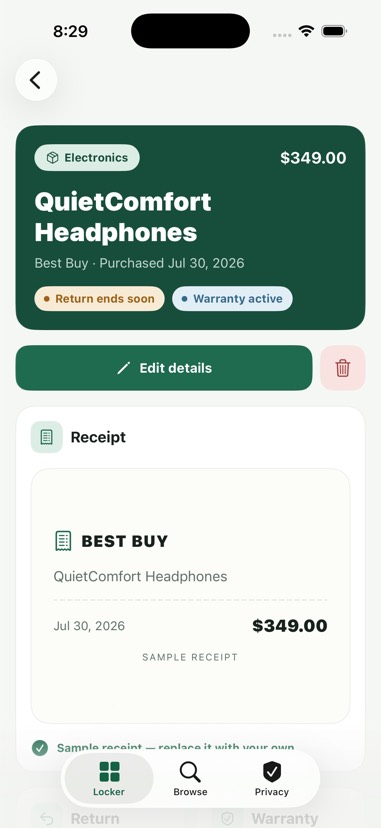
Attach more photos — the product itself, or the serial-number label on the back. Open ownership details to add a serial number, return deadline, warranty expiration, and notes.
Stay ahead of deadlines
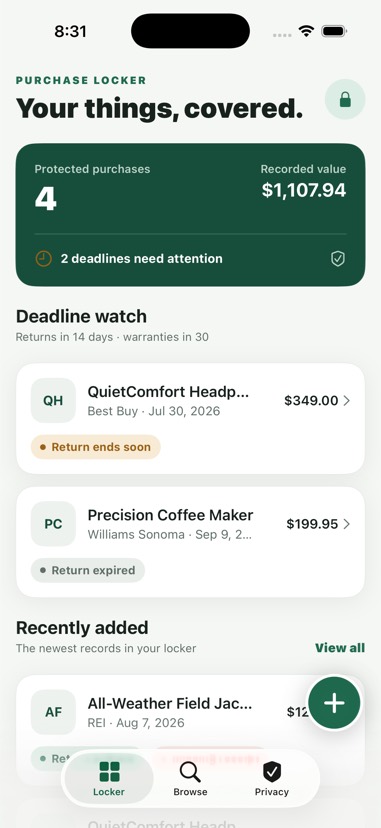
The Locker tab highlights returns closing within 14 days and warranties within 30. Add the home screen widget to see them without opening the app, and turn on reminders in Privacy to be told beforehand.
Find it when it matters
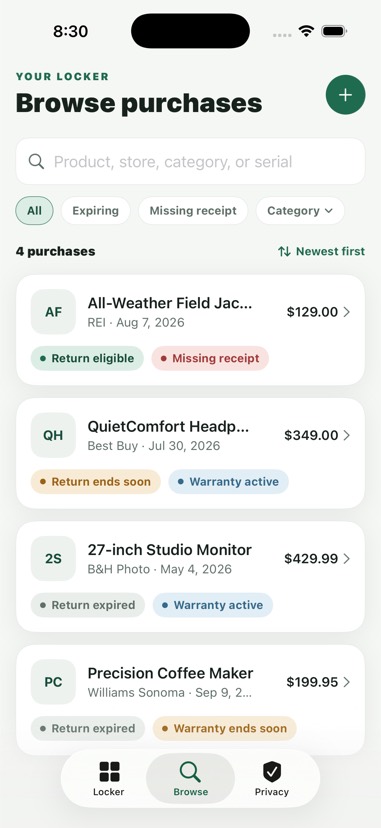
In Browse, search by product, store, category, or serial number, filter to what is expiring or missing a receipt, and sort by price, date, or nearest deadline. Open a purchase to export its photos through the share sheet for a claim.
Lock it and keep it safe
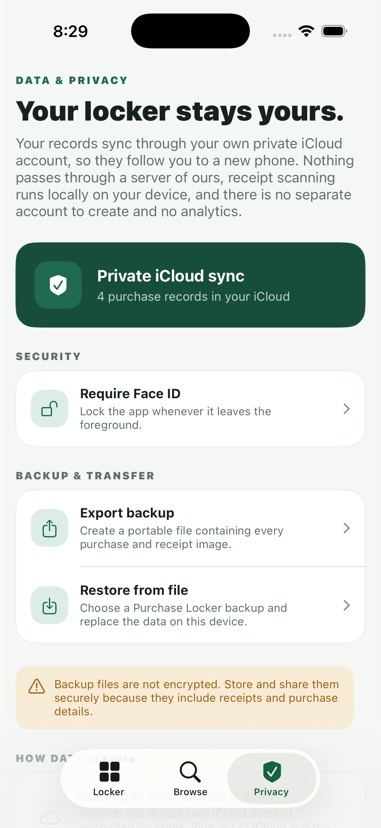
In Privacy, turn on Face ID to hide the locker whenever the app leaves the foreground. Your records already sync through your private iCloud; export a backup as well if you want a copy that does not depend on it.
Records sync through your own private iCloud account. No account to create, no server of ours in between — see the privacy policy.
Part of Clear Side Apps.